Laptops For Sale
A practical step-by-step guide to laptops for sale, including preparation, instructions, common issues, tips, and next steps.
Laptops For Sale
Finding a laptop for sale that actually fits your budget and your daily tasks takes more than picking the cheapest screen. This guide walks you through the entire process—from setting a realistic spend to checking the specs that matter—so you can buy with confidence and avoid paying for power you'll never use.
Fast Answer
- Budget first: Set a firm price cap before you browse.
- Match specs to tasks: 8GB RAM for office work; 16GB for creative apps.
Before You Start
- Your task list: Write down the top three things you'll do daily—browsing, spreadsheets, video calls, photo editing, or gaming.
- A realistic budget: Decide your maximum spend including taxes and any delivery fees before you open a single retailer tab.
- Your current setup: Note the age and condition of your old laptop. If it's over five years old, even a mid-range new model will feel like a big upgrade.
- Two or three retailer tabs: Open the sites you trust for electronics in the UK so you can compare the same model side by side.
Step-by-Step Instructions
List Your Non-Negotiables
Before you look at any laptop for sale, write down the minimum requirements your next machine must meet. Start with battery life—if you're often away from a plug for six or more hours, you need a model rated for eight or nine hours of real-world use, not just the marketing claim.
Next, note the ports you use. If your external monitor or printer connects with USB-A or HDMI, a thin ultrabook with only USB-C ports will force you to buy adapters. Also include your storage needs: if you store thousands of photos locally, plan for at least 512GB of solid-state drive (SSD) space.
Set a Realistic Budget and Stick to It
For everyday use—web browsing, document writing, streaming—you can find a dependable new laptop for sale from around £350 to £500. For heavy multitasking, photo editing, or light video work, plan to spend £600 to £900. Gaming laptops or machines built for intensive 3D rendering start closer to £1,000 and rise quickly.
Write your budget as a firm number, not a range. If your cap is £500, ignore the model that costs £549 even if it has twice the storage. The extra £49 never stays at £49; you'll also need a sleeve, a mouse, or a warranty extension that pushes you further over.
Check the Core Specs That Matter
Focus on four numbers: processor, RAM, storage, and screen. For a modern laptop for sale, an Intel Core i5 or AMD Ryzen 5 processor is the sweet spot for most buyers. It handles everyday tasks smoothly without the premium cost of a Core i7 or Ryzen 7.
RAM matters more than most people think. 8GB is the bare minimum for Windows 11, but if you keep many tabs open, run video calls, and use Office apps side by side, 16GB is much more comfortable. For storage, always choose an SSD over a hard drive—the speed difference when you open apps and files is enormous.
Decide Between New, Refurbished, and Clearance
New laptops for sale come with the full manufacturer warranty and the latest components, but they cost the most. Refurbished machines—especially those sold directly by the manufacturer or major retailers—can be 20% to 40% cheaper than new ones, and they often carry a short warranty too.
Clearance models are previous-generation laptops being cleared from shelves. They are new, but their specs are a year or two old. These can be bargains if the features match your needs, but check that the battery health and keyboard are still in top condition, especially on shop display units.
Test the Keyboard and Trackpad In Person
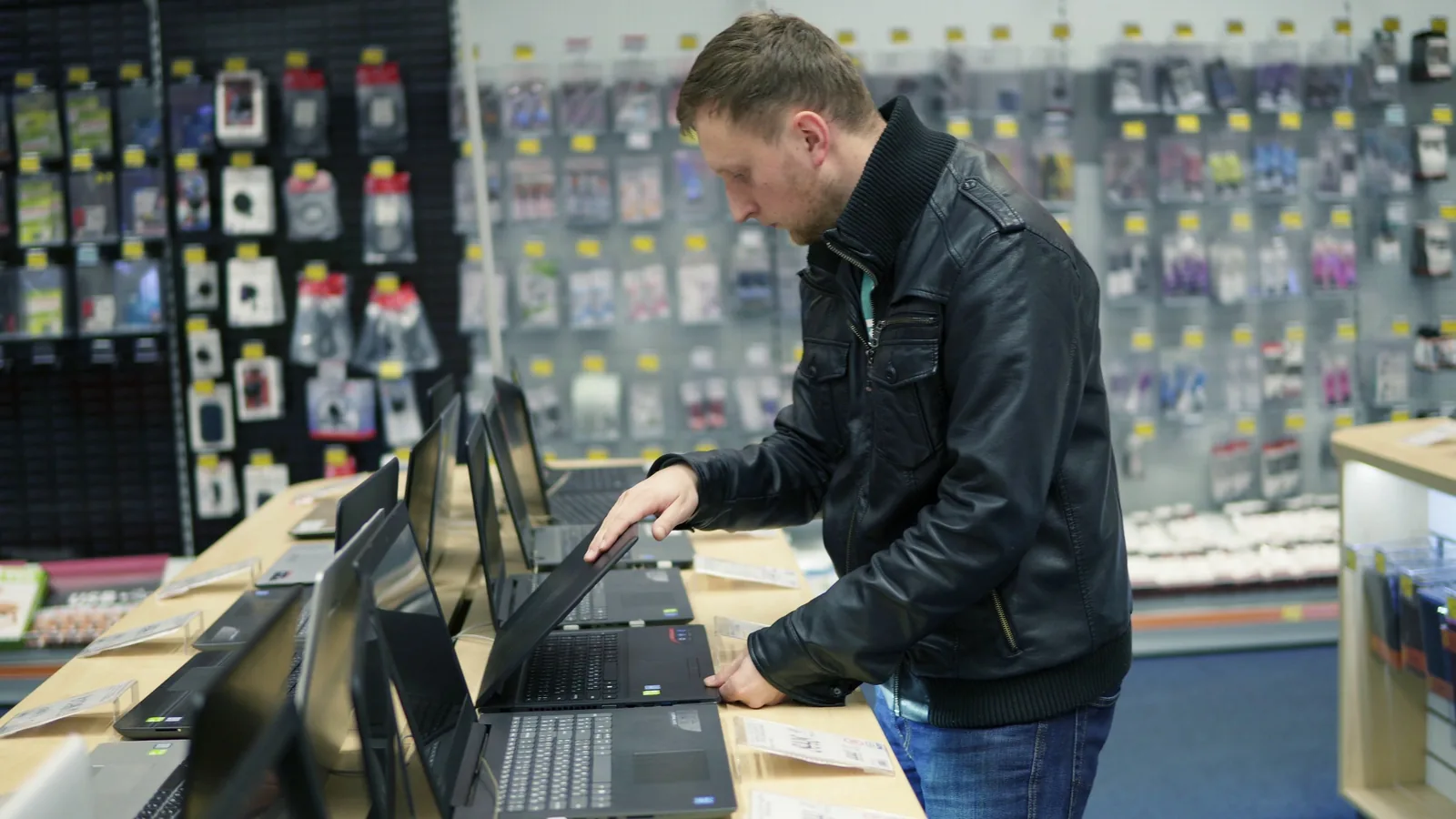
Specs on paper don't tell you whether the keyboard feels right for your fingers. Visit a store that has display models and spend at least ten minutes typing on your shortlisted machines. Check that the keys aren't too shallow or mushy, and that the trackpad doesn't wobble or produce a grinding sound when you tap it.
Heavy typists should pay close attention to key travel—the distance a key moves when pressed. Some thin laptops feel fine for short emails but become tiring during a full day of writing. If you can't visit a store, watch detailed video reviews that show typing tests so you can hear the noise and see the action.
Compare Prices Across at Least Three Retailers
Once you settle on two or three specific models, check the exact same configuration at different sellers. Prices for laptops for sale routinely vary by £50 to £100 between major UK retailers. Look at the total cost including delivery, and note whether the supplier is listing a free extended warranty or a bundle like a mouse or sleeve.
Don't forget to check student discount platforms if you're in education, and workplace perks portals if your employer offers them. These can knock an additional 10% to 20% off the retail price with no extra effort.
Verify the Return Policy and Warranty
Read the return policy carefully before you confirm the purchase. By UK law, you generally have 14 days to cancel a distance purchase, but some retailers offer longer windows, especially over the holiday season. Confirm whether any restocking fee applies and who pays for return shipping.
Check the warranty length—most new laptops come with a 12-month manufacturer warranty, but some models include two or three years. For refurbished machines, ask explicitly what the warranty covers and whether you can extend it.
Complete the Purchase and Back Up Your Data
When you're ready to buy, use a payment method with buyer protection, like a credit card, for purchases over £100. This gives you extra protection under Section 75 of the Consumer Credit Act if the retailer fails to deliver or the laptop arrives faulty.
When the laptop arrives, resist the urge to start downloading everything right away. First, set up the machine, update the operating system, and create a recovery drive or note your product key if provided. Then, migrate your important files from your old laptop using an external drive or cloud storage.
Quick Reference
| Situation | Use this | Why |
|---|---|---|
| Everyday office work, web browsing | Core i5 / Ryzen 5, 8GB RAM, 256GB SSD | Handles all standard tasks without premium cost |
| Photo editing, many open tabs, creative apps | Core i5 / Ryzen 5 or better, 16GB RAM, 512GB SSD | Extra RAM prevents slowdowns during heavy multitasking |
| Gaming or 3D rendering | Dedicated GPU, 16GB+ RAM, fast 1TB SSD | Integrated graphics cannot handle modern games or heavy rendering |
| Budget under £400 | Core i3 / Ryzen 3, 8GB RAM, 128-256GB SSD | Acceptable for basic tasks; prioritise SSD over storage size |
Buying a laptop for sale should feel like a clear, planned purchase—not a rushed panic. You've now set your budget, matched the specs to your tasks, compared prices, and verified the warranty. That puts you ahead of most buyers who simply grab the flashiest box on the shelf.
Common Problems When You Buy a Laptop
The most frequent problem is buying too much machine. Shoppers see a laptop for sale with a powerful processor and assume more is better. In reality, a high-end gaming machine used only for email and streaming drains battery faster, weighs more in your bag, and costs hundreds of pounds extra.
Another common issue is ignoring the screen quality. You'll stare at this display for hours every day. A cheap panel with poor brightness and colour will strain your eyes even if the processor is fast. Check that the screen is bright enough—look for at least 250 nits of brightness—and that it has good viewing angles.
Finally, many buyers forget to factor in the keyboard. You can upgrade RAM and storage later on some models, but you can't easily change a keyboard that feels cramped or shallow. If the typing experience is uncomfortable, walk away from the deal regardless of the price.
Advanced Tips for Laptops For Sale
Once you've narrowed your search, check the model's real-world battery test results from independent review sites. Manufacturers quote "up to" battery life figures that often assume ideal conditions like low brightness and light use. Reviewers typically run more realistic tests that better match a normal working day.
Another advanced move is to look for previous-generation models during launch season. When a new laptop generation arrives, retailers discount the older ones to clear stock. A laptop from two years ago still works brilliantly for most tasks and can be far cheaper than the latest model with only marginal improvements.
If you work across multiple devices, check whether the laptop supports fast charging via USB-C. This means you can carry one charger for your laptop, phone, and accessories, and top up the battery to 50% in about 30 minutes when you're between meetings.
Laptops For Sale FAQ
Common Issues
If the result is not working as expected, return to the previous step, check the material or setting involved, and make one adjustment at a time for laptops for sale.
How much should I spend on a laptop for basic use?
For web browsing, document writing, emails, and streaming, a new laptop for sale in the £350 to £500 range will be more than capable. Look for 8GB of RAM and a solid-state drive rather than a hard drive. These machines won't win any design awards, but they'll do everything an average person needs.
Is it better to buy a laptop online or in a store?
Buying online usually offers lower prices and a wider selection, and you have the 14-day cooling-off period to change your mind. Buying in a store lets you try the keyboard and screen first. The best approach is to test models in a store, then buy online where the price is better—just make sure you buy the exact same spec.
Should I buy a refurbished laptop?
Yes, refurbished laptops for sale can be excellent value, especially when sold directly by the manufacturer or a major retailer with a warranty. You can save 20% to 40% compared to new models. Check the warranty length, return policy, and the grading description before you commit.
How much RAM do I really need?
For general use, 8GB is the minimum for Windows 11. If you run many applications at once, use large spreadsheets, or edit photos, choose 16GB. More RAM prevents slowdowns and lets you keep dozens of browser tabs open without the system grinding to a halt.
Do I need a dedicated graphics card?
Only if you play modern games, edit video, or work in 3D design. For everyone else, the built-in graphics in a Core i5 or Ryzen 5 processor are plenty. A dedicated GPU adds cost, weight, and battery drain, so avoid it unless you have a specific need.
Final Checklist for laptops for sale
- Set a firm budget and listed your non-negotiable specs before browsing
- Matched the processor, RAM, and storage to your daily tasks
- Decided between new, refurbished, or clearance stock
- Tested the keyboard and trackpad in person, or watched detailed typing tests
- Compared prices for the exact same model across at least three retailers
- Checked the warranty length and return policy before paying
- Confirmed the price with a payment method that offers buyer protection
- Planned your data migration so your new laptop starts clean and fast
Now that you know exactly what to look for, you can search with confidence. Keep your list of non-negotiables handy, stick to your budget, and remember that the right laptop is the one that fits your life—not the one with the most impressive spec sheet.